In order to send campaigns with attachments, you first have to enable and configure the feature.
In order to do this, you go to Backend > Settings > Campaigns and enable the feature, but also in same screen, you configure what files are allowed to be uploaded, how many and what size, i.e:

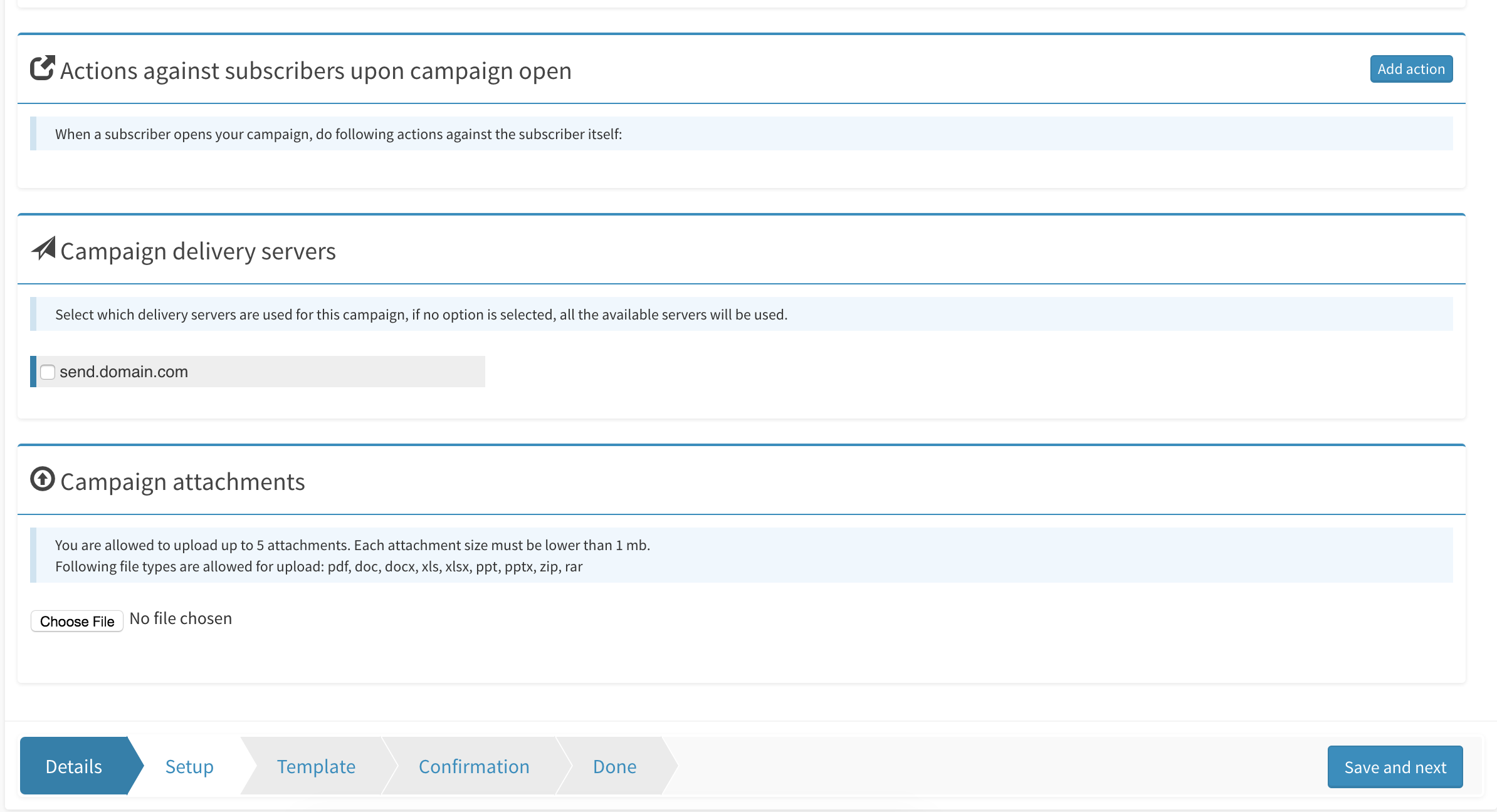
Once this is done, login as a customer and create a campaign, in the setup step of the campaign, you will now have the option to select the attachments:
A few notes:
- After you upload your attachments, make sure you go back to the setup screen to check if they have been properly uploaded, reason is the upload might fail silently.
- Even if you set a very high upload limit from the attachment settings, it still depends on your server if that size can be uploaded or not.